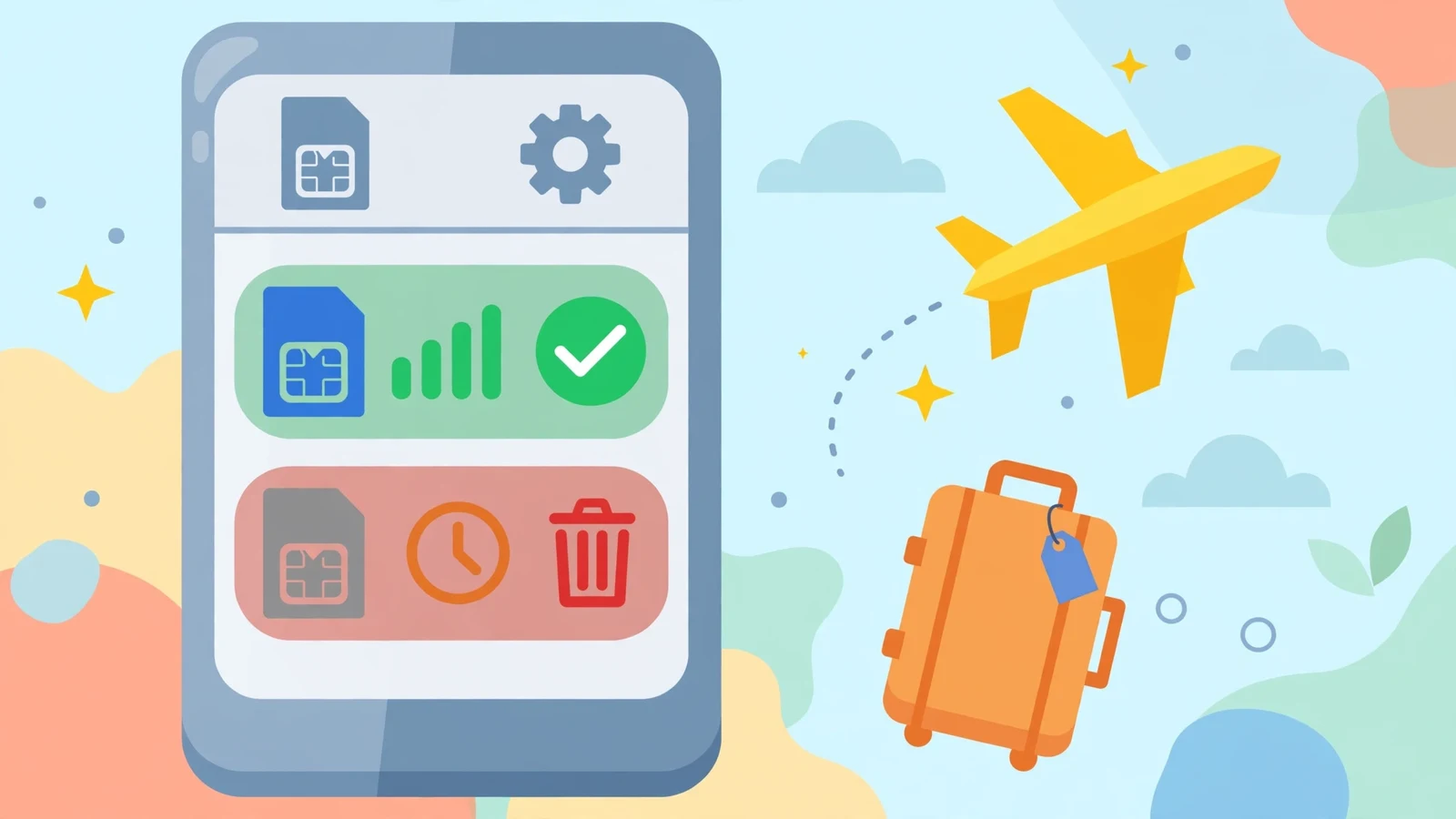
You open your phone settings, see a list of old eSIM profiles, and wonder: should I keep or delete eSIM plans I no longer use? Here is the quick rule: keep an eSIM if the number or plan is still active, if you travel back to that country, or if the line is tied to your bank or work accounts. Delete an eSIM only when the plan has fully expired, the carrier has released the line, or you are about to sell or give away the phone. Deleting the wrong eSIM can cut off a number you still need, so this guide walks you through the decision safely, step by step.
Quick Answer: Keep or Delete eSIM?
Keep the eSIM when the line is your main number, when a travel plan still has days or data left, or when you will return to that country and can top the plan up again. Delete the eSIM when the plan is expired with no top-up option, when you have switched that number to a new carrier, or when the phone itself is leaving your hands. When you are not sure, keep it. An unused eSIM sitting quietly in your settings costs nothing, while a deleted eSIM can be hard or impossible to restore without help from the carrier.
| Situation | Best Choice | Why |
|---|---|---|
| Main phone number | Keep | Calls, texts, and bank codes use this line |
| Travel plan with data left | Keep | You paid for it; use it on the next trip |
| Expired plan, no top-up | Delete | It can never work again |
| Number moved to a new carrier | Delete the old one | The old profile is empty and useless |
| Selling or gifting the phone | Delete everything | Protects your number and accounts |
What Is an eSIM, in Simple Words?
An eSIM is a digital SIM built inside your phone. A normal SIM is a tiny plastic card you push into a slot. An eSIM does the same job, connecting your phone to a carrier network, but it lives as software. You add it by scanning a QR code or tapping a link from the carrier, and it is stored as a “profile” in your phone settings. Many modern phones can hold several eSIM profiles at once and keep one or two active at the same time.
Because eSIMs are software, they are easy to add during a trip and easy to forget afterward. Travelers often collect three or four old travel profiles from different countries. That is exactly why the keep or delete eSIM question appears: the list grows, the names look alike, and nobody remembers which profile still matters. The next sections give you a safe way to sort them out.
When You Should Keep an eSIM
Keep your eSIM if it carries your main number. That number receives your calls, your messages, and, most importantly, the one-time codes your bank and apps send when you sign in. Deleting it would silence the line until the carrier issues a replacement, which can take days and may require an in-store visit with ID.
Keep a travel eSIM if it still has value. Some travel plans stay alive for months and allow top-ups through an app, so the same profile works on your next trip to that country. Also keep an eSIM while a refund, a billing question, or a carrier dispute is open, because support teams often ask for the plan details stored in the profile. Finally, keep any work line your employer manages; company IT teams can see and control those profiles, and deleting one can lock you out of work systems.
When It Is Safe to Delete an eSIM
Deleting is safe when the plan behind the profile is truly finished. The classic case is an expired travel plan that cannot be topped up: the dates have passed, the data is gone, and the carrier sells that plan only once. Keeping it adds clutter without any benefit. A second safe case is an old carrier profile after you have moved your number to a new carrier. Once the number works on the new network, the old profile is an empty shell.
A third case is preparing a phone for a new owner. Before you sell, trade in, or gift a phone, erase all eSIM profiles as part of wiping the device. A leftover profile could let the next owner see your carrier name and, in the worst case, cause trouble with your account. Phone makers include eSIM removal in their factory reset steps for exactly this reason.
| Delete This | Keep This |
|---|---|
| Expired one-time travel plan | Travel plan with top-up option |
| Old carrier after a completed number transfer | Your current main line |
| Test or free trial profile that ended | Work line managed by your employer |
| Any profile before selling the phone | A line tied to bank verification codes |
What Happens When You Delete an eSIM?
Deleting an eSIM removes the profile from your phone. The line on that profile stops working on this device right away: no calls, no texts, no mobile data from that plan. What happens next depends on the carrier. With many big carriers, the account still exists, and support can send you a fresh QR code to add the line back, sometimes free and sometimes for a fee. With many travel eSIM sellers, deletion is final; the plan cannot be restored, and any remaining data is lost.
Deleting does not cancel your contract or your bill by itself. If the line has a monthly plan, charges can continue until you cancel with the carrier directly. This is the most misunderstood part of the keep or delete eSIM choice: removing a profile is like throwing away a house key, not selling the house. When you want to end service, contact the carrier first, finish the cancellation, and then delete the profile with a clear mind.
How to Delete an eSIM Safely, Step by Step
Before you delete anything, do two quick checks. First, open the profile details and write down or screenshot the carrier name, the plan name, and any phone number shown. Second, confirm that your main number works on a different line or physical SIM, so you stay reachable. Then follow the steps for your phone.
On iPhone, open Settings, tap Cellular (or Mobile Data), choose the plan you want to remove, and tap “Delete eSIM.” The phone will ask you to confirm. On most Android phones, open Settings, tap Network and Internet (or Connections), tap SIMs, choose the eSIM, and tap “Erase” or “Delete.” Restart the phone afterward and check that your remaining lines still show signal. If anything looks wrong, contact the carrier while your notes and screenshots are still fresh.
Mistakes to Avoid with eSIM Profiles
The biggest mistake is deleting your main line by accident because profiles have similar names like “Travel,” “Secondary,” or “Mobile Data.” Rename each profile the day you add it, using clear labels such as “Main Number,” “Italy Trip 2026,” or “Work Line.” Clear names turn a risky cleanup into a safe one.
A second mistake is deleting a travel eSIM at the airport before the trip ends, while you still need maps and ride apps to get home. Wait until you are back and on home Wi-Fi. A third mistake is assuming deletion cancels payments; as explained above, it does not. A fourth is wiping a phone for sale but skipping the eSIM step, which can leave your line attached to a stranger’s new phone. Slow down, follow the lists in this guide, and the keep or delete eSIM question becomes easy every time.
eSIM vs Physical SIM: A Quick Comparison
If you are new to eSIMs, a short comparison with the classic plastic SIM card makes the keep-or-delete choice clearer. A physical SIM can be moved from phone to phone with your fingers, and deleting it is not possible; you would have to throw the card away. An eSIM cannot be touched, but it can be erased with two taps, which is both its convenience and its danger.
| Feature | Physical SIM | eSIM |
|---|---|---|
| Form | Small plastic card | Software profile inside the phone |
| Adding a line | Insert the card | Scan a QR code or tap a link |
| Removing a line | Take the card out | Delete the profile in settings |
| Number of lines | Usually one or two slots | Many profiles stored at once |
| Risk | Losing the tiny card | Deleting the wrong profile by mistake |
Because an eSIM is software, phone makers and carriers can also move it for you when you upgrade. Many new phones offer an eSIM transfer during setup, copying your line from the old device to the new one. If you plan to transfer, do that first and confirm the line works on the new phone before you wipe or delete anything on the old one. Order matters: transfer, test, then clean up.
A Two-Minute Cleanup Checklist
When you are ready to tidy your eSIM list, run through this short checklist in order. One: list every profile and give each a clear name if it does not have one. Two: mark your main line and any work line as untouchable. Three: open each travel profile’s app and note whether it is expired, still valid, or open to top-ups. Four: screenshot the details of anything you plan to erase. Five: delete the expired and empty profiles one at a time, checking your signal after each one. Six: make a test call and send a test message on your main line. Finished. Your list is clean, and nothing important was harmed.
Frequently Asked Questions
Can I get an eSIM back after deleting it?
Sometimes. Large carriers can usually issue a new QR code for the same number, though it may take time or a small fee. Most one-time travel eSIMs cannot be restored after deletion, so treat travel profiles as final when you erase them.
Does deleting an eSIM cancel my plan?
No. Deleting removes the profile from your phone, but your contract and bills stay active until you cancel with the carrier. Always cancel with the carrier first if your goal is to end the service and stop payments.
How many eSIMs can I keep on my phone?
Many modern phones can store five or more eSIM profiles, and some store more than ten, while one or two stay active at the same time. Keeping extra inactive profiles does not slow your phone down in any real way.
Should I delete an eSIM before selling my phone?
Yes. Erase every eSIM profile before the phone leaves your hands, as part of a full factory reset. This protects your number, your carrier account, and your sign-in codes from the next owner.
Will deleting an eSIM delete my phone number forever?
Not by itself. Your number lives in the carrier’s system, not inside the profile. But if the carrier closes the account or gives the number away after a long inactive period, it can be lost, so talk to the carrier before deleting a line you may want again.
What is the safest way to clean up old travel eSIMs?
Work one profile at a time. Check its expiry in the seller’s app, screenshot the details, make sure your main line works, then delete only the expired ones. Doing one at a time prevents the classic mistake of erasing the wrong line.
Conclusion
The keep or delete eSIM choice is simple once you know what each profile is doing. Keep the lines that carry your number, your bank codes, your work access, or travel value you can still use. Delete expired one-time plans, empty old-carrier shells, and every profile on a phone you are about to sell. Rename profiles clearly, screenshot details before you erase, and remember that deletion never cancels a contract on its own. With those habits, your eSIM list stays short, your main line stays safe, and cleaning up old profiles takes two calm minutes instead of one stressful phone call to the carrier.